
How booking a session works
Choose a session type, pick a time, and receive confirmation with your meeting link.
Instant Confirmation
Calendar Invite + Google Meet Link
Secure Checkout
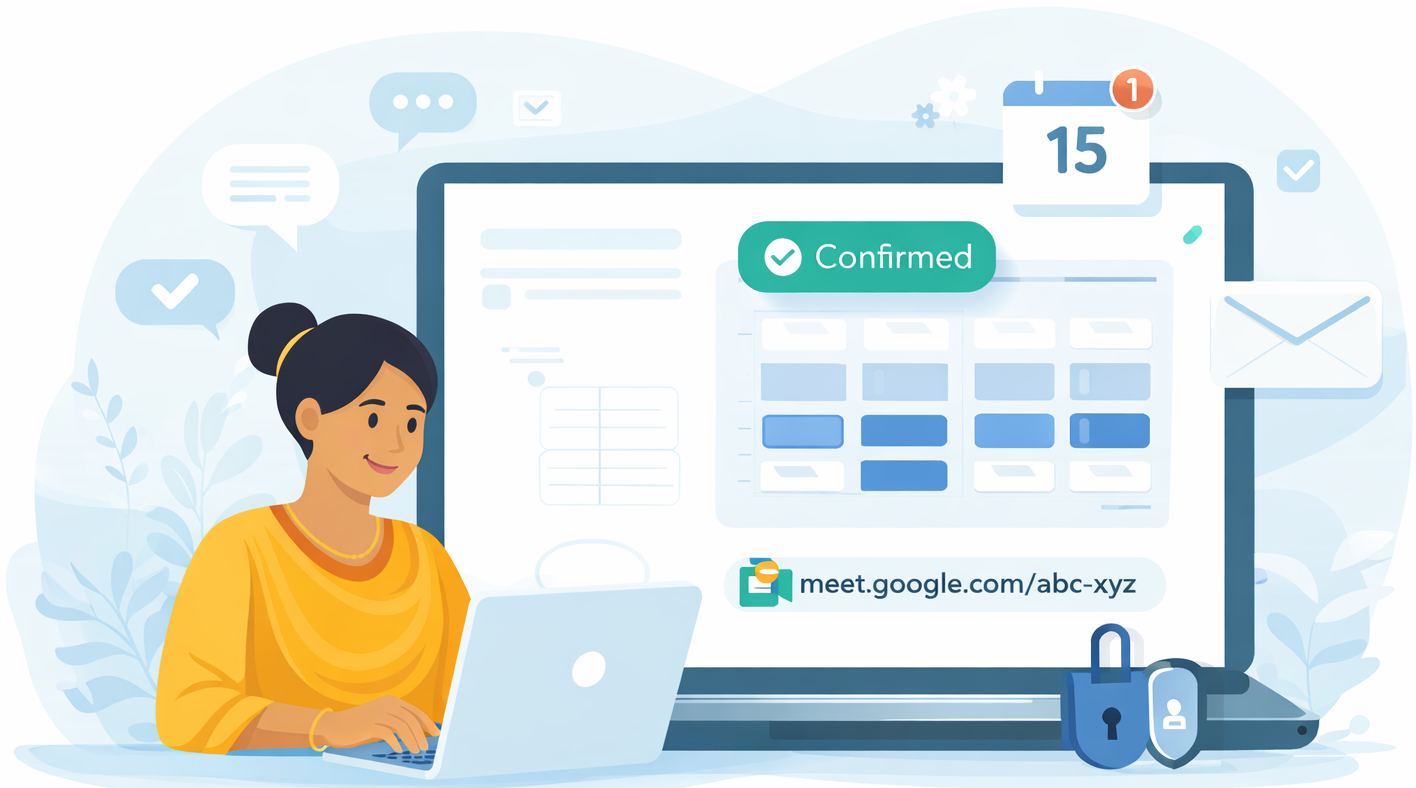
The booking flow
Four steps. Simple, predictable, and designed to reduce uncertainty.
1
Choose session type
Select Individual, Couples, or Group based on what you need today. You will see duration and pricing clearly.
2
Pick date and time
Choose an available slot that fits your schedule. The calendar only shows times that are actually open.
3
Confirm and pay securely
Confirm your details and complete payment. You will see the final amount before checkout.
4
Get Meet link and join
You will receive an email confirmation with a calendar invite and your Google Meet link.
Choose the right session type
A simple guide to help you decide quickly.
Individual
1 member
- Private 1:1 support
- Best for personal clarity and growth
- Confidential, goal-focused discussion
Couples
2 members
- Guided session for both partners
- Structured communication support
- Shared goals and next-step planning
Group
3+ members
- Facilitated small-group session
- Balanced participation and moderation
- Structured discussion format
What happens after you book a session
You will receive everything you need without extra steps.
Immediately
You see a confirmation screen after checkout.
Within minutes
You get an email with session details.
Calendar Invite
Add it to your calendar with one tap/click.
Google Meet link
Included in the email and calendar invite.
If you do not see the email, check your spam/promotions folder.
Before your session
A quick checklist to help you feel prepared.
Join 5-10 minutes early to confirm audio and video
Use a quiet, private space when possible
Headphones can improve comfort and privacy
Have water nearby and minimize interruptions
Ready when you are
Book in minutes and receive instant confirmation with your Google Meet link.